Cricut Coaching

Struggling to get started with your Cricut machine? Let me help you!

In our one-on-one session via Zoom, I can help with the following:

  • Cricut machine setup

  • Teaching the basics of Design Space, and I can also help with basic Illustrator, Photoshop, Canva skills

  • Walk throughs of Vinyl, HTV, sticker projects

  • Suggestions for supplies and other useful tools

I don't however cover the following topics:

  • Sublimation

  • Printer settings

Ready to get ? Book a call with me via my Stan Store below:

Or if you don’t quite need a one-on-one session…. 

Just check out Cutting Machine Confident instead.

A colorful guide titled 'Learn' with circles representing different tutorial topics, including 'Getting Started', 'Design Space (Desktop)', 'Design Space (App)', 'Cricut Joy', 'Stickers', 'Iron-On Vinyl', 'Vinyl Decals', and 'Card/Paper'.
Interactive webpage with circular icons representing different countries, including UK, USA, Canada, Australia, New Zealand, South Africa, and Germany, each featuring their national flags and labels.
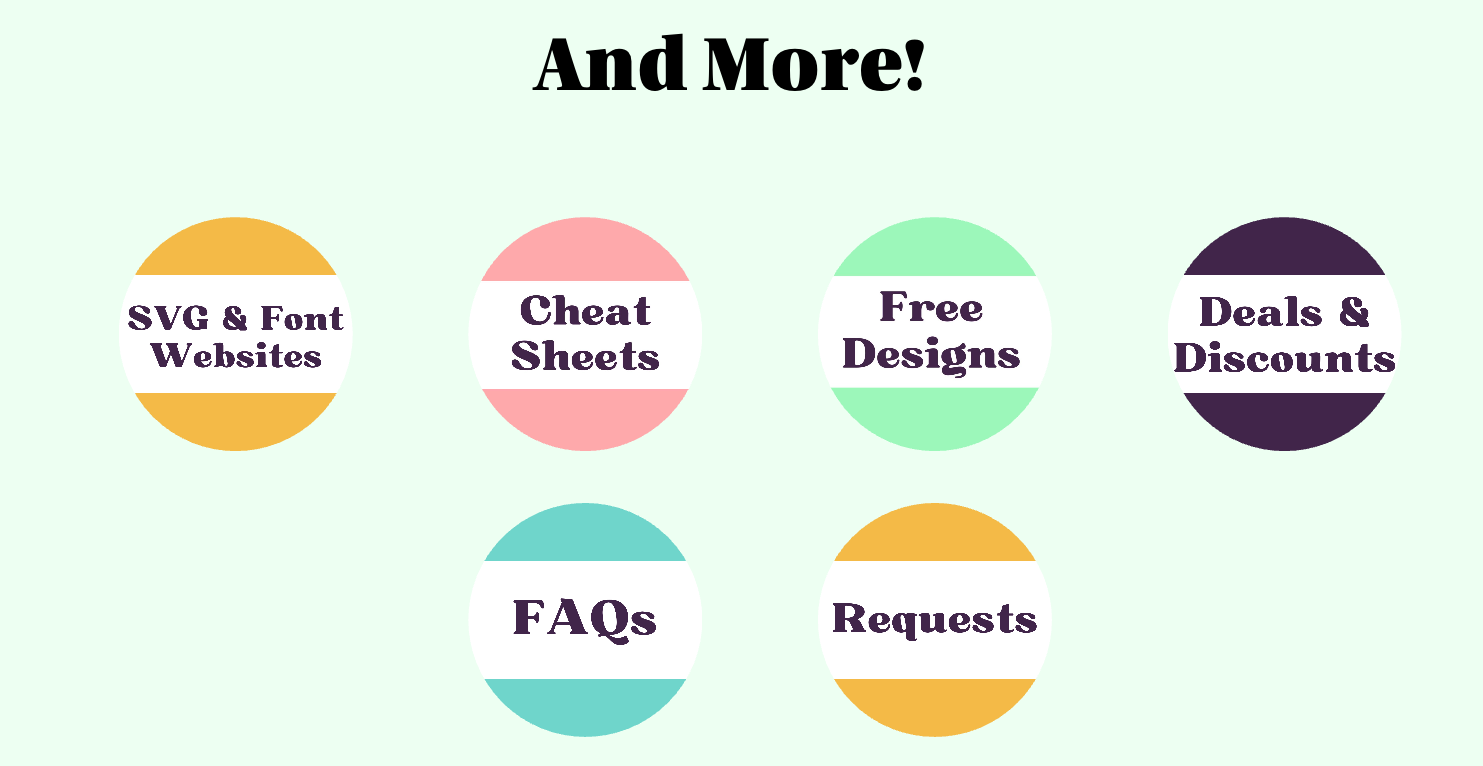
A light green background with six circular buttons in two rows. The top row contains buttons labeled 'SVG & Font Websites,' 'Cheat Sheets,' 'Free Designs,' and 'Deals & Discounts.' The bottom row contains buttons labeled 'FAQs' and 'Requests.' Each button has a different pastel-colored semi-circle on top or bottom, with the text in bold, purple font. The center top text reads 'And More!' in bold black font.

Still have Questions?